How-To / how-to-limit-tiktok-instagram-youtube
How to Limit TikTok, Instagram and YouTube (Without Deleting Them)
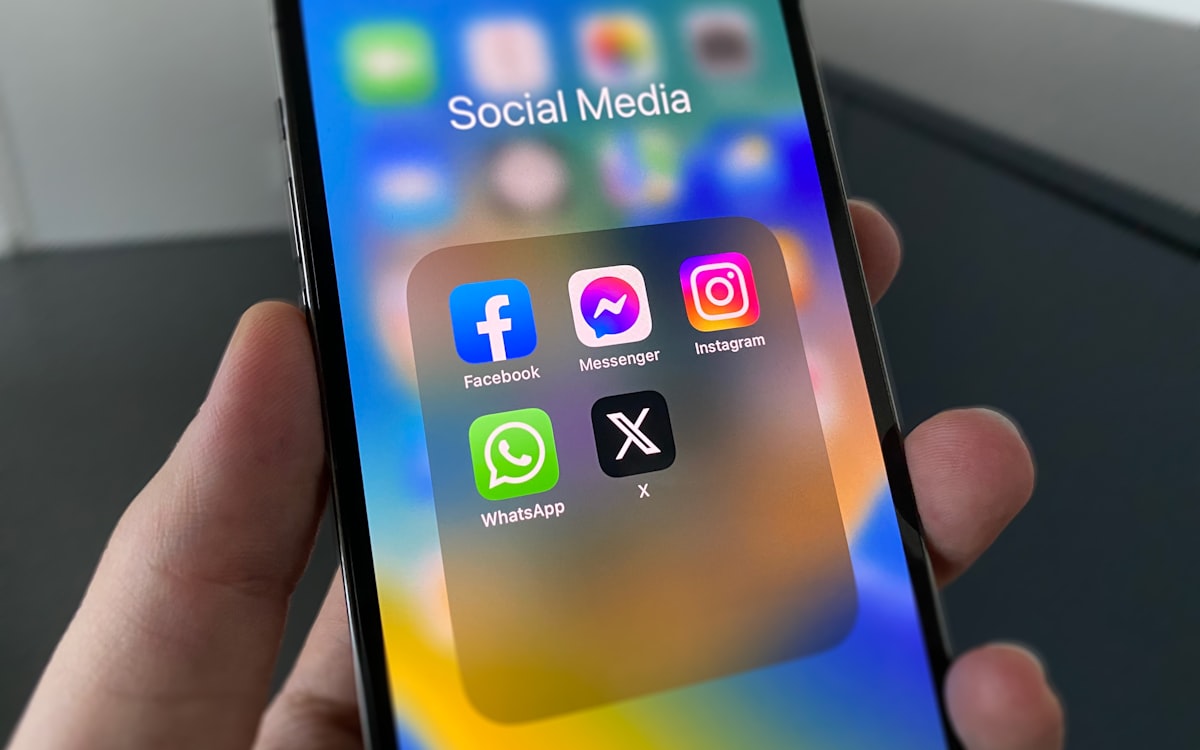
Deleting an app works, and for some people it is the right answer. But plenty of people have a genuine reason to keep one — messages from friends, a business account, the group chat that lives there — and need it to stop consuming an hour a day instead.
Each of these apps behaves differently, so the fixes differ. What follows is per-app, followed by the settings that work on all of them.
Why the built-in limits disappoint
Every one of these apps ships a "time reminder" feature, and every one of them is dismissible with a single tap. That is not an accident — the company setting the limit also profits from you exceeding it.
Treat in-app limits as information rather than enforcement. They tell you the size of the problem. They will not solve it.
TikTok
TikTok is the hardest of the three, because the feed requires no decisions at all. There is nothing to choose and nothing to finish.
**What to change:**
- **Screen Time Management** (Profile → Menu → Settings and privacy → Screen time). Set a daily limit and, importantly, set a passcode you do not memorise. Have someone else enter it.
- **Turn off Restricted Mode's opposite** — check your feed preferences and clear "Interests". A less-tuned algorithm is a less compelling one.
- **Turn off all notifications** except direct messages. TikTok's re-engagement notifications are unusually effective.
**The tactic that actually works here:** watch on the web instead of in the app. The browser version is deliberately worse, and that is exactly the point.
Instagram's pull is social rather than algorithmic — the reason you open it is people, and the reason you stay is Reels.
**What to change:**
- **Turn off Reels from the home feed** where your version allows it, or simply avoid the tab. Reels is the part that turns a two-minute check into forty.
- **Mute aggressively.** You do not have to unfollow anyone. Muting removes the content while leaving the relationship intact, which removes the social cost of the fix.
- **Notifications: DMs only.** Like and comment notifications exist purely to bring you back.
- **Use it on desktop.** The web version has no Reels tab worth speaking of and is tedious to browse.
**The uncomfortable one:** if you mostly open Instagram to look at a specific person's life, that is not a screen time problem and no setting will fix it.
YouTube
YouTube is different again — it is genuinely useful, and the problem is almost entirely the recommendation sidebar and autoplay.
**What to change:**
- **Turn off Autoplay.** One toggle, and it ends the "just one more" mechanism entirely.
- **Remove the feed.** A browser extension like Unhook or News Feed Eradicator strips the homepage recommendations while leaving search and subscriptions intact. This is the single highest-value change on YouTube.
- **Pause watch history** if you want recommendations to stop being uncannily good. They rely on it.
- **Subscriptions tab as the home page.** Bookmark it directly, so you land on what you chose rather than what it chose.
The settings that work on all three
Move them off the home screen
Not into a folder on page one — onto the last page, inside a folder. Reaching them should require intent. Better still, delete the app and use the browser: logging in each time is enough friction to end most habitual opens.
Grayscale
Colour is a large part of how these interfaces hold attention. The evidence is real but smaller than usually claimed — a study published in The Social Science Journal found undergraduates who switched to grayscale for eight to ten days cut daily screen time by about 39.7 minutes. Not the "40%" figure that circulates, but half an hour a day from one toggle is a good trade.
Cap rather than quit
Melissa Hunt's team at the University of Pennsylvania randomly assigned 143 undergraduates either to cap Facebook, Instagram and Snapchat at ten minutes each per day or to carry on as usual. After three weeks the limited group showed significant reductions in loneliness and depression.
Around thirty minutes a day, total. The evidence supports a real limit more strongly than it supports abstinence.
Put the phone in another room while working
Not face down on the desk — actually elsewhere. A 2017 study led by Adrian Ward at the University of Texas at Austin, the "brain drain" experiments, reported that available cognitive capacity was measurably lower when a phone was merely present, even for people who successfully resisted checking it — though a 2022 replication attempt found nothing, and the two meta-analyses since disagree with each other about whether the effect is real. Treat it as contested rather than settled; either way, a reachable phone gets reached for.
If none of this holds
Then the app is not the problem, and a third-party blocker is the honest next step — something that enforces the limit rather than suggesting it. That is a different decision, and it is worth making deliberately rather than after another month of dismissed reminders.
sources for this page
- True colors: Grayscale setting reduces screen time in college studentsThe Social Science Journal · 2020 · Not the '40%' figure that circulates online — that's a misreading of this study.
- No More FOMO: Limiting Social Media Decreases Loneliness and DepressionJournal of Social and Clinical Psychology · 2018 · n=143 undergraduates
- Brain Drain: The Mere Presence of One's Own Smartphone Reduces Available Cognitive CapacityJournal of the Association for Consumer Research · 2017 · a 2022 replication using the same tasks found nothing, and the two meta-analyses since disagree with each other about whether the effect is real